
Questions
_CAES1001_INTEGRITY_1_2025 Task 4.4 Steps for resubmission
Multiple fill-in-the-blank
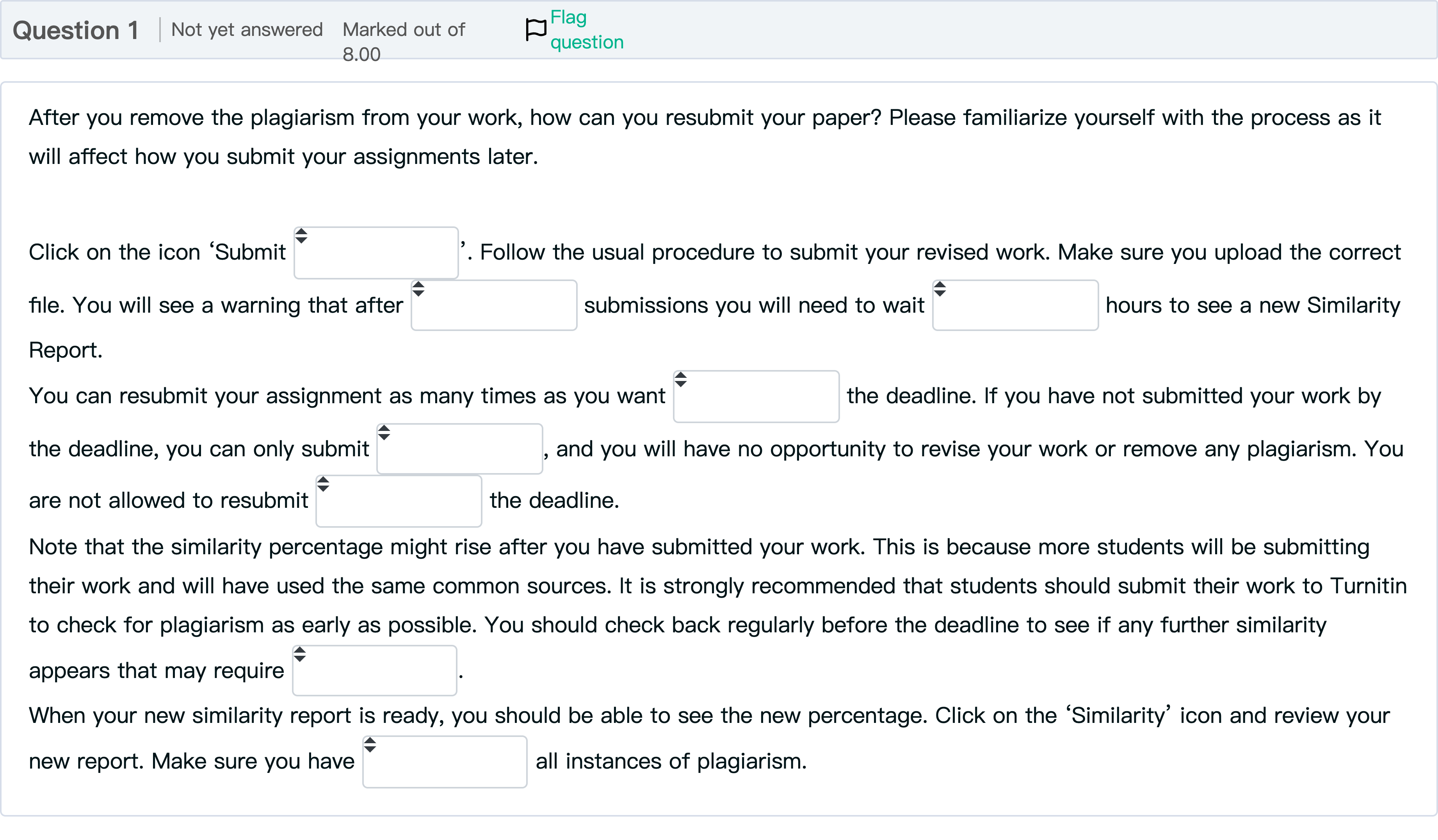
Question textAfter you remove the plagiarism from your work, how can you resubmit your paper? Please familiarize yourself with the process as it will affect how you submit your assignments later. Click on the icon ‘Submit Answer 1 Question 1[select: , before, 3, paper, after, once, 24, eliminated, action]’. Follow the usual procedure to submit your revised work. Make sure you upload the correct file. You will see a warning that after Answer 2 Question 1[select: , paper, once, before, 3, 24, after, action, eliminated] submissions you will need to wait Answer 3 Question 1[select: , once, eliminated, paper, 24, after, 3, before, action] hours to see a new Similarity Report.You can resubmit your assignment as many times as you want Answer 4 Question 1[select: , action, once, paper, after, before, eliminated, 24, 3] the deadline. If you have not submitted your work by the deadline, you can only submit Answer 5 Question 1[select: , once, paper, eliminated, action, 3, 24, before, after], and you will have no opportunity to revise your work or remove any plagiarism. You are not allowed to resubmit Answer 6 Question 1[select: , eliminated, before, 3, once, action, paper, 24, after] the deadline. Note that the similarity percentage might rise after you have submitted your work. This is because more students will be submitting their work and will have used the same common sources. It is strongly recommended that students should submit their work to Turnitin to check for plagiarism as early as possible. You should check back regularly before the deadline to see if any further similarity appears that may require Answer 7 Question 1[select: , once, action, 3, eliminated, before, paper, after, 24]. When your new similarity report is ready, you should be able to see the new percentage. Click on the ‘Similarity’ icon and review your new report. Make sure you have Answer 8 Question 1[select: , 3, eliminated, paper, after, 24, before, action, once] all instances of plagiarism.

View Explanation
Verified Answer
Please login to view
Step-by-Step Analysis
The question is asking how to resubmit your paper after removing plagiarism and describes a sequence of blanks to fill with appropriate actions or timings. Below I address each blanked step in order, explaining why the given word fits and what concept it represents in the workflow.
Blank 1: paper
Reasoning: The sentence begins with Click on the icon ‘Submit [blank]’. The natural object you are submitting in an assignment workflow is the actual document you prepared, i.e., the paper. Therefore, ‘paper’ correctly completes the instruction to submit the revised work.
Blank 2: 3
Reasoning: The phrase following mentions a warning about after [blank] submissions you will need to wait [blank] hours to see a new Similarity Report. The number of submissions typically controls the wait period before another similarity che......Login to view full explanationLog in for full answers
We've collected over 50,000 authentic exam questions and detailed explanations from around the globe. Log in now and get instant access to the answers!
More Practical Tools for Students Powered by AI Study Helper
Making Your Study Simpler
Join us and instantly unlock extensive past papers & exclusive solutions to get a head start on your studies!